Showing posts with label lotus. Show all posts

Sunday, January 27, 2013

IBM Connect 2013 - First Day

Just a sum up of my first day at IBM Connect (Lotusphere) 2013, my nineth Lotusphere.
I remember my first Lotusphere... Everything was so BIG... Huge opening Sessions, lots of breakout session... Lots of partners and customers..
And, everything is still there... This year will be a great year...

For the 20th anniversary, IBM did a nice collage...


Today, I have set up with my team Polycom Booths. That will be awesome.. You will be able to see why IBM/Polycom integration are so powerful, and also our new video endpoints (Group Series), and our mobility solutions.
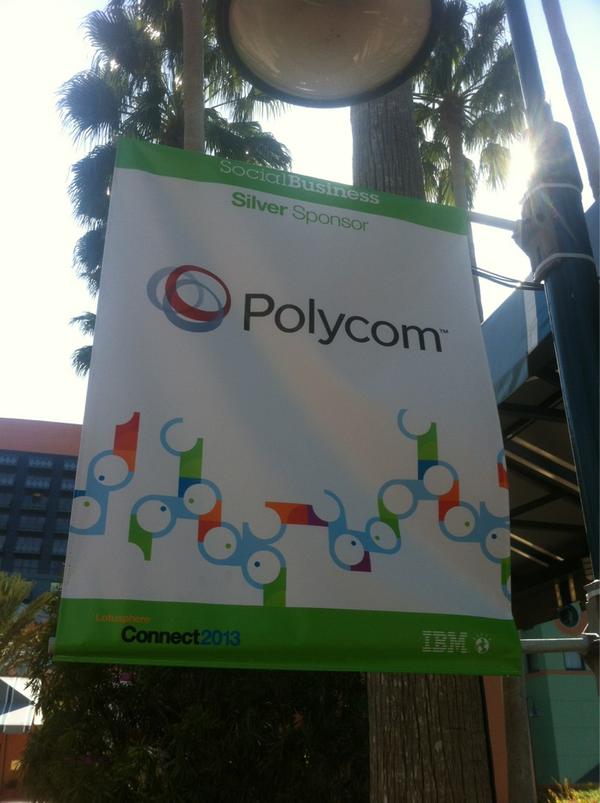
 Don't hesitate to come on Polycom Booths (B21-23) in the IBM Connect Showcase.

Monday, August 6, 2012

IBM Connections 4 live on Greenhouse...

IBM have just deployed IBM Connections 4 on Lotus Greenhouse platform... (here). You can now test all new great features of that release.

You can take action on content directly from your Activity Stream without switching contexts (via OpenSocial Embedded Experience)..


  • Easily share files & images in your status updates and images can easily preview as thumbnails.
  • Provide feedback in status updates by using a single click to indicate 'Like'. See and find others in the organization who liked the entry.
  • Follow conversations via hashtags.


  • Share your contents from any pages via ShareBox.
The "ShareBox" feature allows you for the integration of OpenSocial gadgets such as accessing a forum, posting content to an ERP system, posting content to an Activity, or sending a quick e-mail so that a social business can become more nimble and collaborate more broadly.


And now awesome features :) :)...

Tuesday, November 22, 2011

IBM Lotus Symphony Viewer on Android

Continuing its long-standing commitment to open source, IBM has just released IBM Lotus Symphony Viewer which allows you to view Open Document Format (ODF) text documents, presentations, and spreadsheets downloaded to your phone or tablet without the need for any network connection.

Launch the viewer directly from the application icon and choose an ODF file to view, or select Symphony when you want to view an ODF document from another application such as IBM Lotus Notes Traveler.

Connect a projector dongle to your phone or tablet to use the viewer as your presentation source.


Link to download it : link